
Workday Support Managed Services for Tenants Already Live in Production
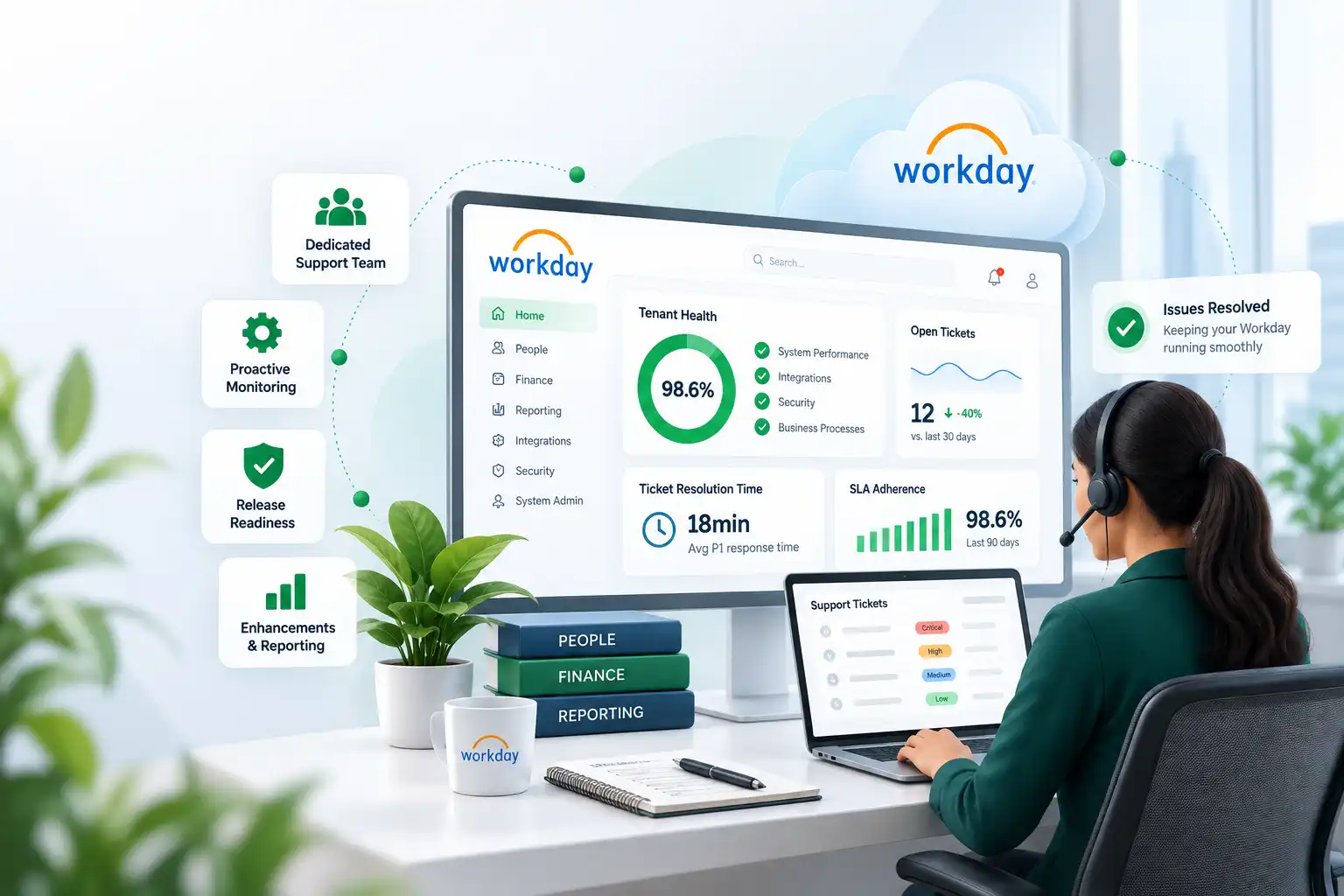
Mirketa's Workday Support Managed Services keep an already-configured Workday tenant running the way it was designed to: L1 through L3 help desk coverage, bi-annual release regression testing, and proactive monitoring, all backed by named escalation paths instead of a shared support inbox nobody owns.
- 24/7 L1–L3 Ticket Coverage
- Bi-Annual Release Regression Testing
- SLA-Backed Response Times
- Dedicated Workday Admin Team
Workday Support Health
LIVE- Resolved
P1 payroll integration failure
- Complete
2026R1 release regression suite
- In Progress
Manager self-service enhancement backlog
Trusted by HR & IT Leaders Running Workday in Production


Business Challenges
Why a Live Workday Tenant Still Needs a Support Plan
Go-live is the beginning of a Workday tenant's life, not the end of the work. Most requests for Workday Support Managed Services come in after one of these four problems has already started costing the business time.
No Workday-Certified Admin on Staff
The consultant who configured the tenant moved on, and the internal team inherited business processes, security groups, and integrations nobody currently on staff is certified to safely change.
Enhancement Requests With Nowhere to Go
HR and finance keep asking for new calculated fields, reports, and workflow tweaks, but there's no dedicated Workday development capacity to pick the backlog up.
Bi-Annual Releases That Break Things Without Warning
Workday's biannual updates land on the calendar whether or not anyone has tested them against your custom business processes, EIB integrations, and Extend applications first.
No Proactive Monitoring Until Someone Complains
Failed integration runs, stalled approval steps, and broken calculated fields usually surface only when an employee or manager reports something is wrong.
Our Workday Solution
How Mirketa's Workday Support Managed Services Model Works
Mirketa's Workday Support Managed Services engagement starts by treating your production tenant as a system that already works and needs to keep working, not a blank slate to redesign. We inventory your business process framework, security group architecture, EIB and Studio integrations, and custom report inventory so our support team understands your tenant on day one instead of learning it ticket by ticket.
From there, a named team of Workday-certified specialists handles day-to-day L1 through L3 ticket support, runs your sandbox and preview environments through a structured regression suite ahead of every biannual release, and works through your enhancement and report backlog on a predictable cadence rather than an ad hoc basis. This is Workday managed services delivered as an ongoing relationship, with the same specialists returning release after release instead of a rotating queue of unfamiliar agents.
Because monitoring runs continuously against your tenant, not just when a ticket is filed, configuration drift, failed integration runs, and broken calculated fields typically get caught and corrected before an employee or manager ever notices. That combination of steady-state administration and Workday managed services discipline is what keeps a tenant's original configuration intent intact for years, not just for the first two release cycles after go-live.
Core Services
Six Ways Mirketa Delivers Workday Support Managed Services
Every managed services engagement is built from these six service lines, scoped to match how much of your tenant administration you want to keep in-house versus hand off.
L1–L3 Help Desk Support
Tiered ticket support from basic how-to questions through complex business process and integration troubleshooting, with a named escalation path at every level.
Bi-Annual Release & Regression Testing
Every Workday release is run through your sandbox and preview tenants against a documented regression suite before it ever reaches production.
Proactive Tenant Monitoring
Continuous checks against integration runs, business process bottlenecks, and security group changes so issues surface before employees feel them.
Enhancement & Report Backlog Delivery
A standing queue of calculated fields, custom reports, and configuration enhancements worked through on a predictable sprint cadence.
Workday Administration-as-a-Service
Routine tenant administration, security group updates, business process tuning, EIB monitoring, handled without you needing a full-time certified admin on staff.
Quarterly Business Reviews & Optimization Roadmap
A recurring review of ticket trends, adoption metrics, and an evolving roadmap for what to configure or automate next.
Key Features
How a Support Ticket Actually Moves Through Mirketa's Desk
These are the operational features behind every Workday Support Managed Services engagement, from the moment a ticket is logged to the moment it's closed.
Tiered SLA Response Times
P1, P2, and P3 severity definitions with documented response and resolution targets for each tier.
Named Escalation Path
A specific specialist and backup are assigned to your tenant, not a rotating anonymous queue.
Release Preview Regression Suite
A documented set of test cases run against every Workday release preview before production update weekend.
Change-Log Documentation
Every configuration change is logged with what changed, why, and who approved it, so nothing depends on memory.
Security Group Health Checks
Periodic review of domain and business process security to catch drift and segregation-of-duties gaps early.
Prism Analytics Report Maintenance
Existing Prism dashboards and data sources are kept aligned as source business processes and fields evolve.
Support Ticket Lifecycle
Ticket logged
Triaged & prioritized
Assigned to specialist
Fixed & tested
Closed with root cause
Benefits
What Changes Once a Support Plan Is in Place
These are the outcomes clients on a Workday Support Managed Services retainer consistently report within the first two quarters.
Releases Stop Being a Surprise
Regression testing against release preview means you know what's changing before your employees do.
The Backlog Actually Moves
Enhancement and report requests get worked on a set cadence instead of waiting for a spare afternoon.
No Single Point of Failure
A documented, supported tenant no longer depends on one internal admin's memory or availability.
Issues Get Caught Before Employees Notice
Proactive monitoring surfaces failed integrations and stalled approvals before they become a help desk fire drill.
Implementation Methodology
A Five-Stage Path to Steady-State Support
This is the onboarding sequence Mirketa follows to take over Workday support for a tenant that's already live, whether it's coming from an internal team or another partner.
Support Escalation Network
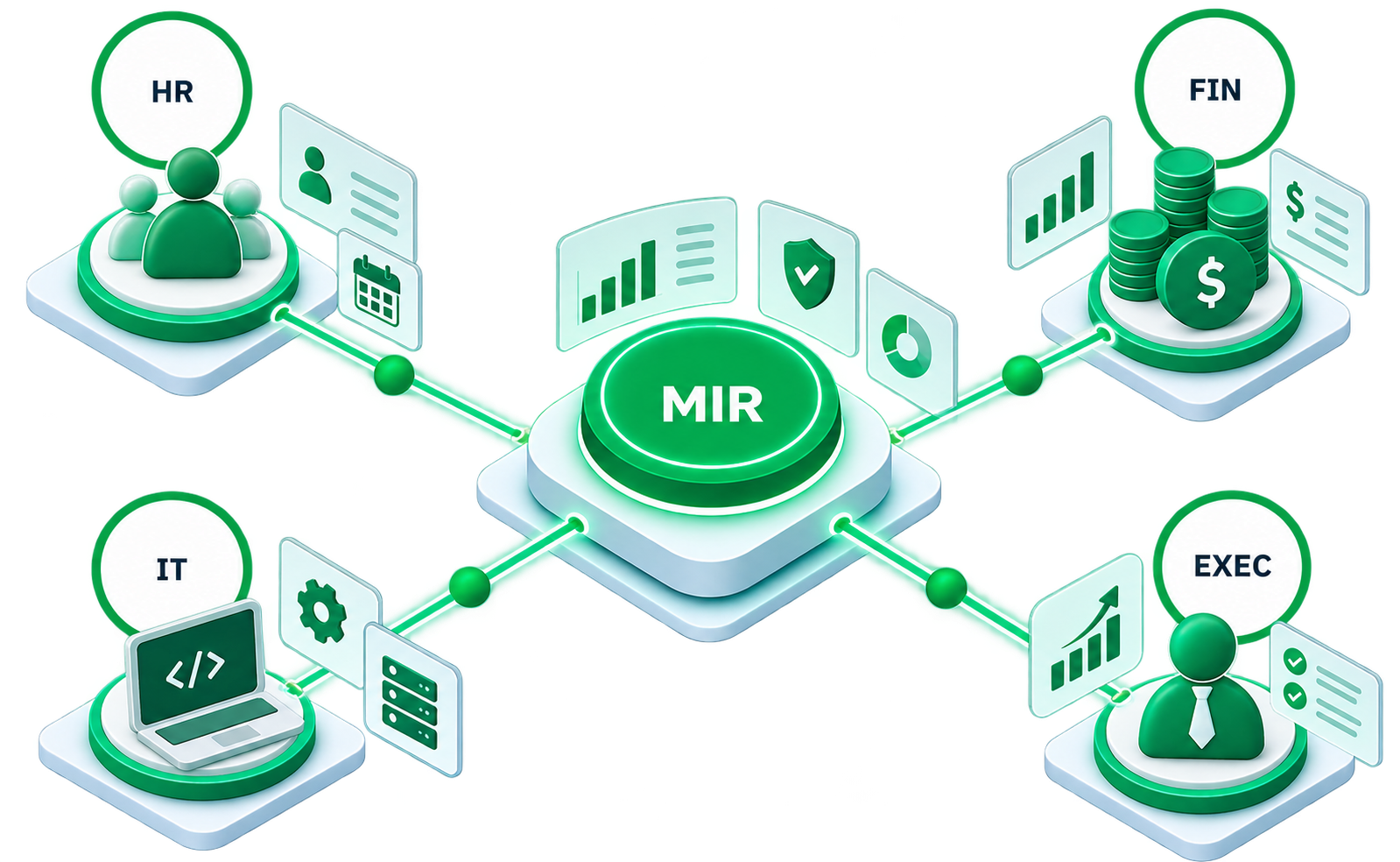
- Mirketa Support Desk
- HR & People Ops
- Finance & Payroll
- IT & Security
- Executive Sponsor
Environment & Documentation Handover
Access to sandbox, preview, and production tenants along with existing configuration documentation, integration inventories, and open ticket history.
Baseline Health Assessment
A structured audit of business process framework, security groups, EIB and Studio integrations, and report inventory to establish a starting point.
SLA & Escalation Setup
Severity definitions, response targets, and escalation contacts agreed and documented before the first ticket is logged under the new arrangement.
Ticketing System Integration
Your preferred ticketing tool or Mirketa's own portal is connected so requests are tracked, prioritized, and reported on from day one.
Steady-State Support
Ongoing L1–L3 support, release regression testing, and backlog delivery begin on the agreed SLA, with a quarterly review cadence layered on top.
Industry Use Cases
Workday Support Managed Services Across Industries
Every industry brings its own audit expectations and peak-period sensitivity to a live Workday tenant, which shapes how we prioritize monitoring and release testing.
Why Mirketa
A Support Partner Built for a Tenant That's Already Live
Plenty of partners will implement a new Workday tenant. Fewer are built specifically to keep an existing one healthy release after release.
Workday Certified Support Team
Every specialist assigned to your tenant holds active Workday certifications across HCM, Payroll, or Financial Management.
Named Specialists, Not a Queue
The same people learn your tenant's history and quirks, rather than a rotating group of unfamiliar agents.
SLA-Backed Response Commitments
Documented response and resolution targets by severity, tracked and reported on every quarter.
Release-Ready by Design
Every biannual Workday release is regression-tested against your specific configuration before it reaches production.
Security Reviewed, Not Just Maintained
Ongoing security group health checks catch drift and segregation-of-duties gaps before an audit does.
Flexible Engagement Scope
Scale from help-desk-only coverage up to full administration-as-a-service as your internal capacity changes.
FAQ
Frequently Asked Questions About Workday Support Managed Services
We define three severity tiers: P1 (production-down or payroll-impacting), P2 (a significant workflow disruption with a workaround), and P3 (a how-to question or minor issue), each with its own documented response and resolution targets agreed before onboarding.
A P1 is anything that stops a business-critical process outright: a failed payroll integration, a broken business process blocking hires or terminations, or a tenant-wide outage. P1 tickets get the fastest acknowledgment and are worked continuously until resolved.
We run your existing business processes, security groups, and integrations through a documented regression suite in your sandbox or preview tenant as soon as the release is available, well ahead of the production update weekend, so breaking changes are caught and fixed before employees see them.
P1 tickets are typically acknowledged within 15 to 20 minutes and worked continuously. P2 tickets are acknowledged within a few hours, and P3 requests are scheduled into the next available support cycle.
Most clients choose a monthly retainer scoped to expected ticket volume and support hours, with enhancement and report backlog work either included up to a cap or billed as a separate block of hours. We'll recommend a model based on your tenant's size and ticket history.
Typical onboarding runs two to four weeks, covering environment handover, a baseline health assessment of your current configuration, and SLA and escalation setup before steady-state support begins.
Both. Break-fix tickets are handled under your SLA, while enhancement requests, new reports, calculated fields, or configuration changes, are worked through a standing backlog on a predictable sprint cadence.
Yes. Most engagements start exactly this way. We run a baseline health assessment against the existing tenant, document what we find, and transition support without requiring a reimplementation.
Get Started
Get Started With Workday Support Managed Services
Tell us about your current tenant, ticket volume, and upcoming release timeline, a Workday-certified specialist will follow up within one business day with SLA options.
- A specialist follows up within one business day
- A no-obligation conversation about your specific goals
- Answers from someone who actually works in this space
- Your information stays confidential