
Agentic AI Security: Tool Poisoning and Audit Trails
Explore agentic AI security risks, including MCP tool poisoning, and learn how governance, permissions, approvals, and audit trails reduce exposure.
In this blog post, I will be sharing tips on how to populate a list of projects from your JIRA instance. The project list can be useful for features where you need to relate a particular issue to multiple projects or clone an issue under multiple projects.
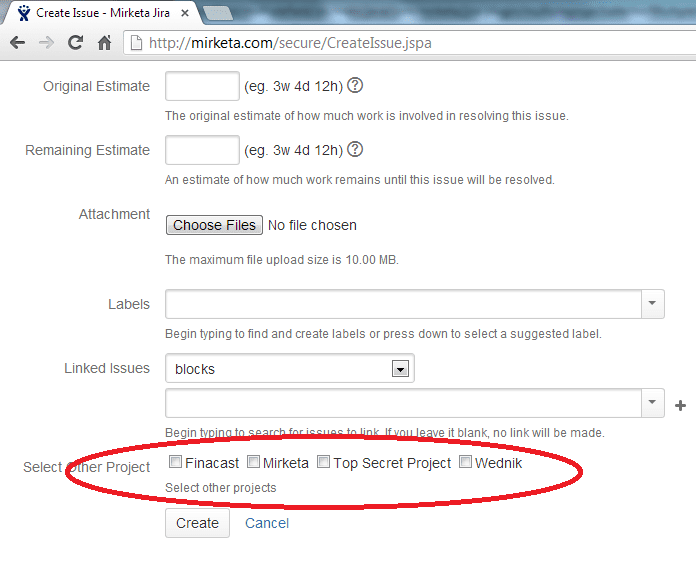
Getting the list of projects from JIRA database is a fairly straight forward task. Follow these steps to get the list:
First import the required classes in your java file where you want to fetch all the current JIRA projects. Here are the commands for the importing files
Now in the file, where you need to get the list of all current projects, write the following code
Here the object projects is an Array List of type com.atlassian.jira.project.Project. You can get all the information of the projects from this ArrayList. Simple enough?
Get Started
Share a few details about your goals: a Mirketa consultant will follow up within one business day.
 Certified Partner
 SOC 2 Certified
 HIPAA Ready
 Enterprise Ready